
Many students and early-career researchers struggle with managing references and formatting in-text citations. Choosing the correct style—APA, MLA, or another format—and applying it consistently can feel overwhelming.
A reliable free citation tool, also known as reference management software, simplifies these tasks: it formats references automatically, organizes your sources, and reduces errors. That frees you to focus on research and writing rather than tedious technical details.
Fortunately, free citation tools and reference management software simplify this process, allowing you to focus on research rather than formatting.
Why Reference Management Matters
Even experienced researchers often underestimate how time-consuming proper formatting can be. Common challenges include:
A reference manager solves these problems by handling the technical side for you.
A Personal Story: Learning the Importance
Early in my PhD, I gave a workshop on reference management software. I assumed attendees were already using one—but none were. This included postdocs and professors.
The experience highlighted that even advanced researchers often struggle with the technical side of referencing, not the conceptual reasons for citing.
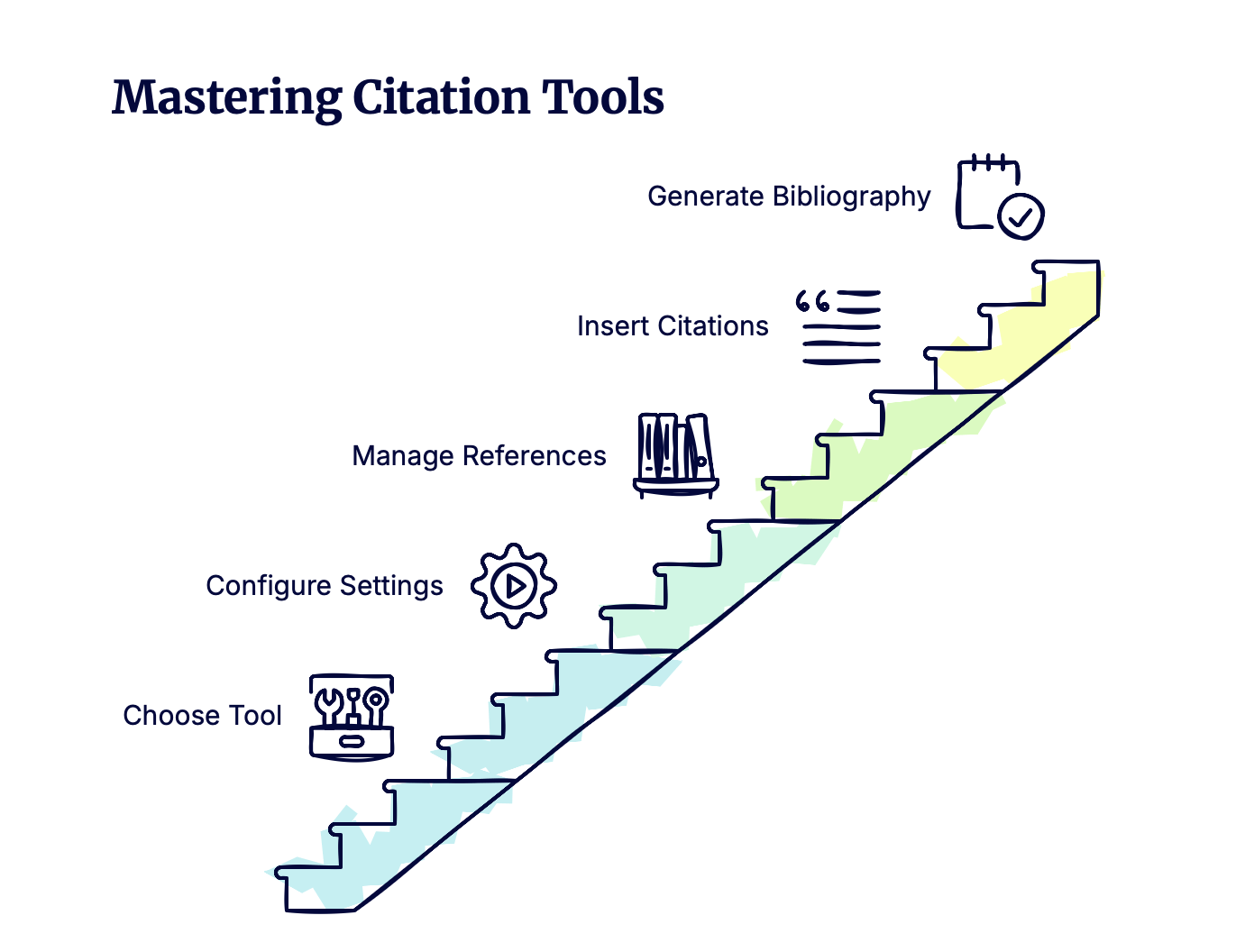
How a Citation Tool Simplifies Your Workflow
Reference management software like Zotero, Mendeley, or EndNote can:Reference management software like Zotero, Mendeley, or EndNote can:
Once properly set up, the software saves time, reduces errors, and keeps your references consistent.
Choosing the Right Citation Tool
While several options exist, Zotero is an excellent free citation tool:
Investing a little time upfront ensures accurate formatting, correct in-text citations, and more efficient writing.
Conclusion
Using a free citation tool allows you to:
Whether you are a Bachelor’s or Master’s student or working on your PhD, you will benefit from adopting a reference manager, making referencing effortless and reliable.
Good luck!